

Carbon action you can audit.
IntelliGrid scores the emissions from how you travel, funds projects that are independently verified, and records every retired tonne with the project and serial behind it.
- 01 · Measure
- 02 · Reduce
- 03 · Offset
- 04 · Retire
Retired through the grid
Verified and funded
Where projects operate
Tracking in the app
Figures below are illustrative placeholders pending audited data.
Most offsets ask for trust. Ours leave a trail.
Carbon markets have a verification problem. We built the platform around the audit, not around the marketing.
- How we calculate
Measured, not estimated
Travel emissions are calculated from the route actually travelled and its published emission factor. Every input is editable and every result is explainable.
- How projects qualify
Verified before funded
Projects enter the grid after a verifier accredited to their standard signs off the reduction. Each one carries its standard, its verifier and its monitoring period.
- How retirement is recorded
Retired against a serial
Retirement writes a timestamped record against the credit's serial number. The registry that issued the credit is what stops a tonne being sold twice — we tie our half of the trail to that serial.
- How the habit sticks
Habit, not a one-off purchase
The app keeps a running registry of what you have offset, with levels and badges, so it does not end at a single purchase.
Four states. Every one of them recorded.
This is the actual sequence a tonne moves through in the IntelliGrid registry — not a marketing funnel.
- 01MEASURE
Your journey is scored
Enter the route, trip type, passengers and cabin class. IntelliGrid returns the emission in tCO₂e with the distance and factors behind it.
Regional emission factors · editable inputs
- 02REDUCE
The app targets the biggest line
Your calculator history shows which journeys cost most, so the next trip is the one you change.
Weekly missions · streak tracking
- 03OFFSET
Funding reaches a named project
Choose a verified project or let IntelliGrid allocate. You see the project, the standard and the monitoring period before you pay.
Named project · published methodology
- 04RETIRE
The tonne is taken off the market
A retirement record is written with the credit's serial number and a timestamp. Once the issuing registry marks a credit retired, that tonne is out of circulation.
Timestamped record · credit serial

A registry that answers to anyone who asks.
Every credit that moves through IntelliGrid carries its origin with it. The ledger below shows what that record holds — project, vintage, quantity and status, for every retirement.
- 01
Monitoring
Project data is collected against the monitoring plan its standard sets out, over a defined monitoring period.
- 02
Verification
A verifier accredited under the Global Carbon Council (GCC) reviews the reduction before any credit is issued.
- 03
Issuance
Credits are issued with a vintage year and a unique serial number carried by the issuing registry.
- 04
Retirement
Retirement is written to Hedera with a timestamp, so the record of when a tonne left the market cannot be quietly rewritten.
| Serial | Project | Vintage | tCO₂e | Status |
|---|---|---|---|---|
| IG-RT-00412100 MW solar power project, UP | 100 MW solar power project, UPIN | 2025 | 1,240 | Retired |
| IG-RT-00411300 MW Thar Solar Project, Rajasthan | 300 MW Thar Solar Project, RajasthanIN | 2025 | 860 | Retired |
| IG-RT-00410Chocó Darién | Chocó Darién | 2024 | 2,310 | Retired |
| IG-RT-00409Atlantic Forest | Atlantic Forest | 2024 | 480 | Retired |
Sample records. The projects are IntelliGrid’s own; serials, vintages and quantities are illustrative.
The habit lives in your pocket.
Measure once on the web, then keep the number falling. The app turns reduction into something you actually come back to.
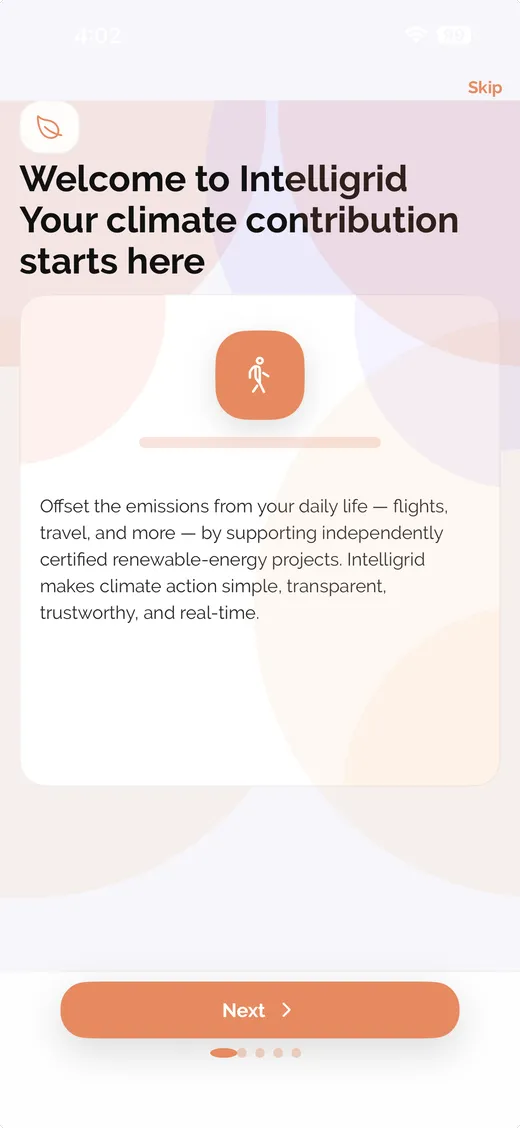
Welcome
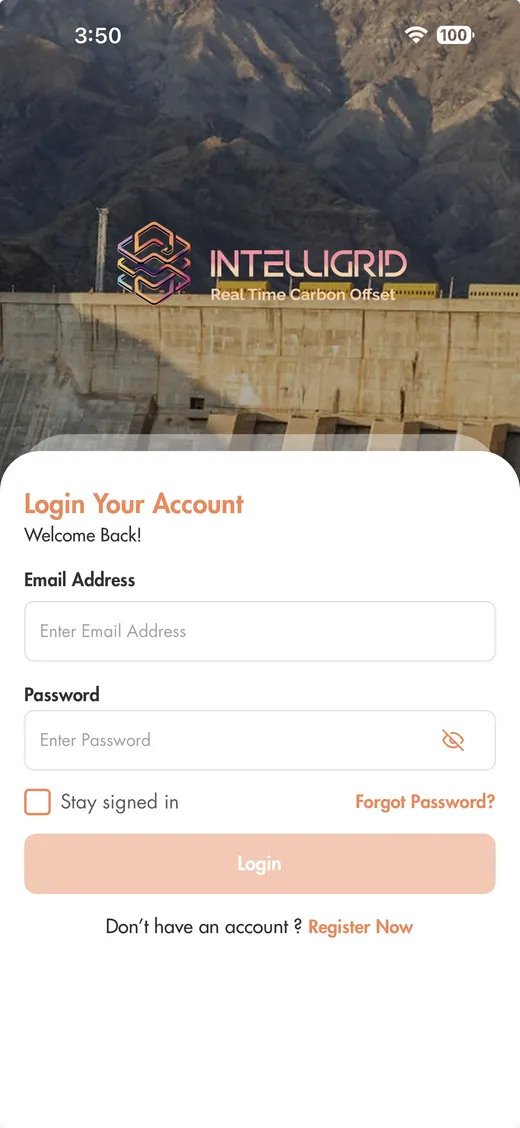
Sign in
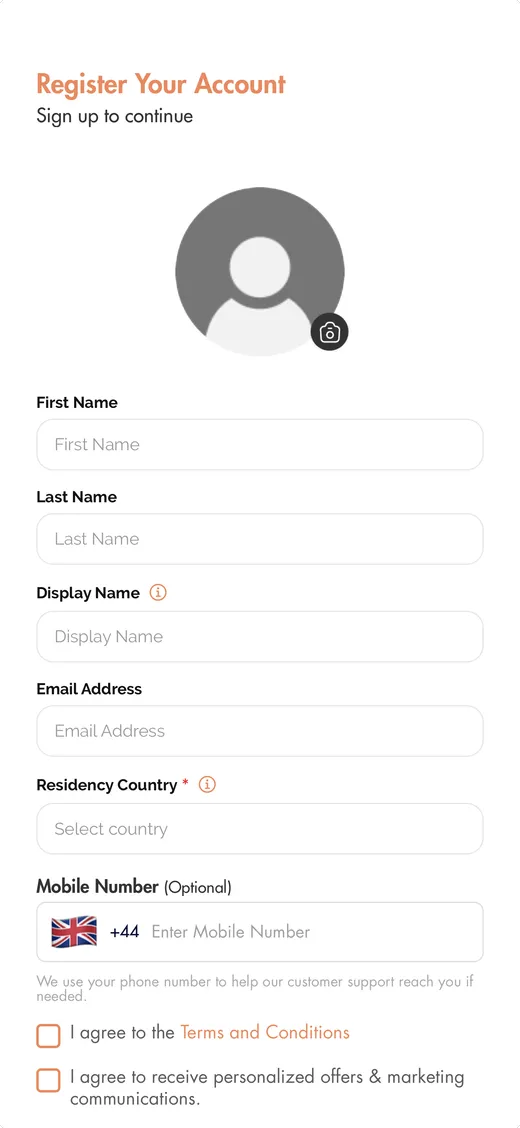
Register
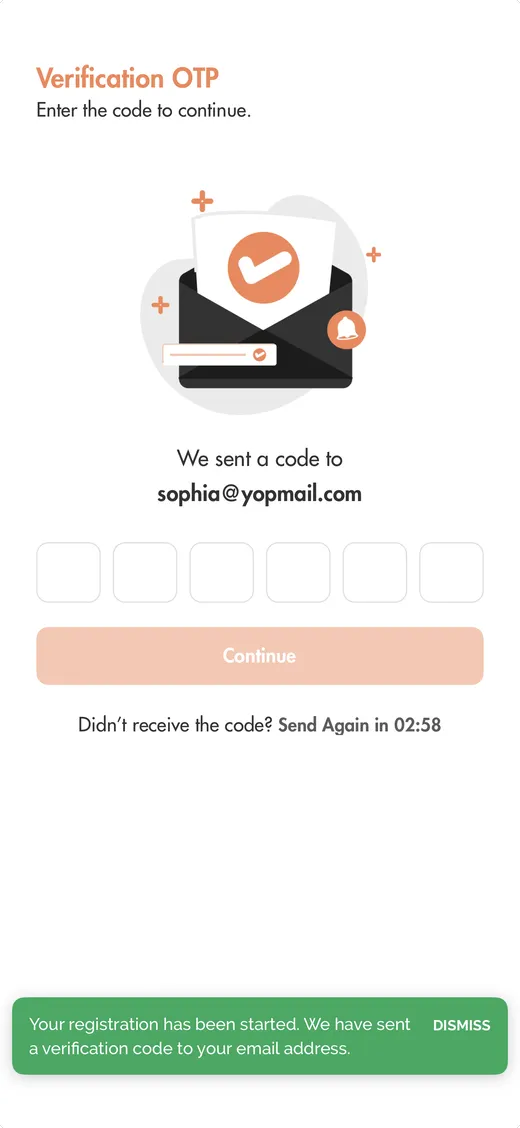
Verify OTP
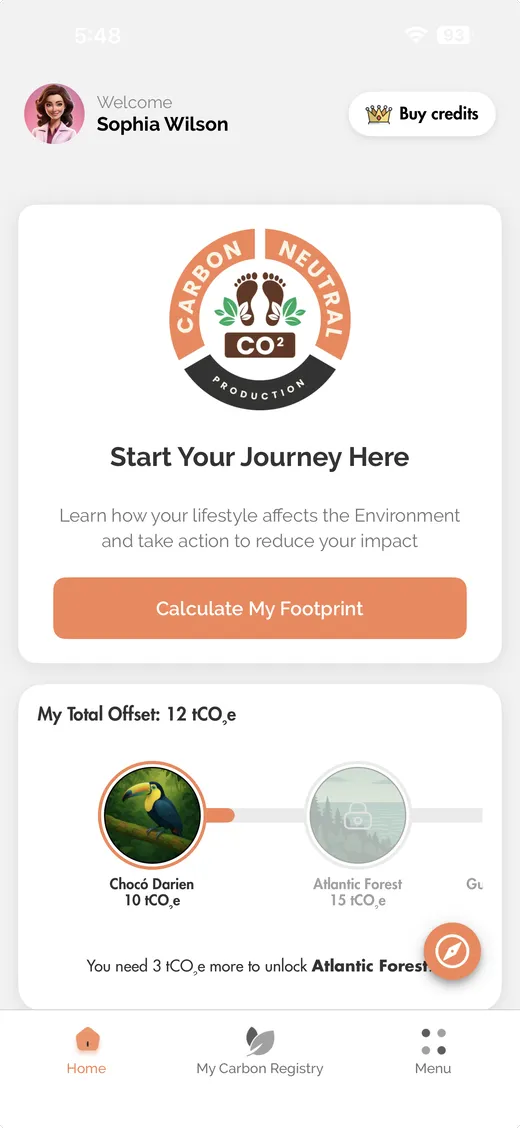
Your journey at a glance
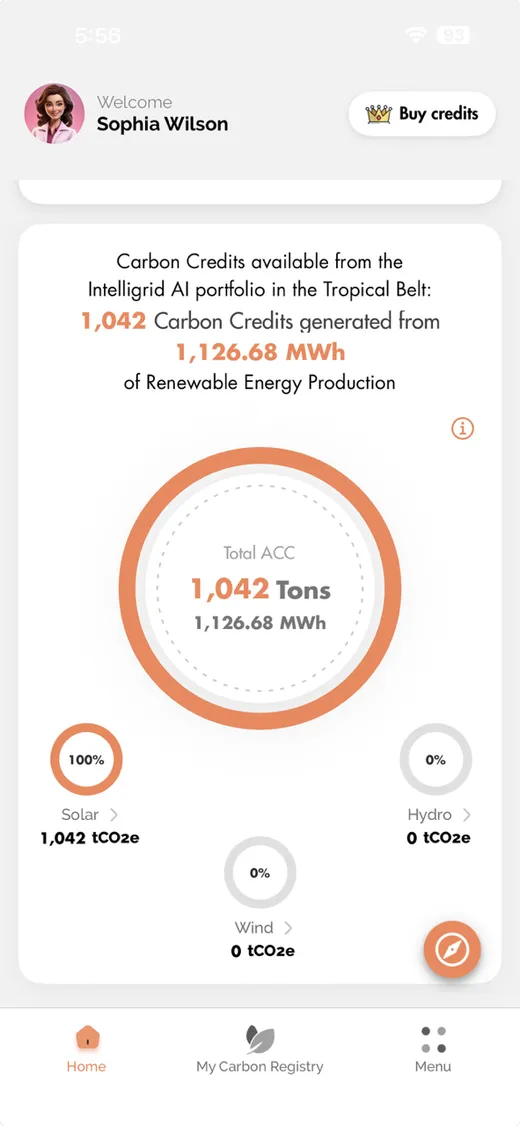
Progress over time
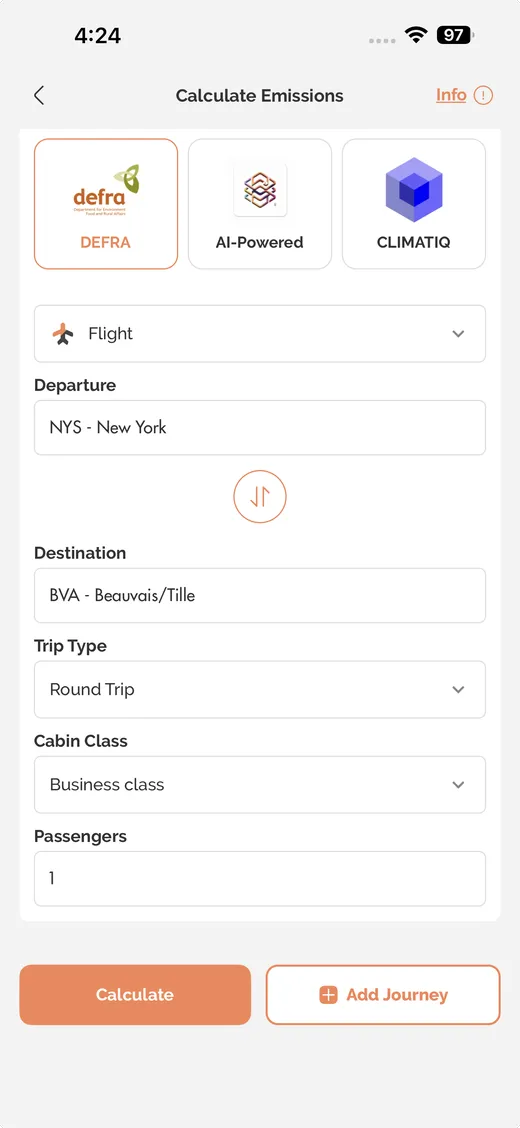
Measure · new journey
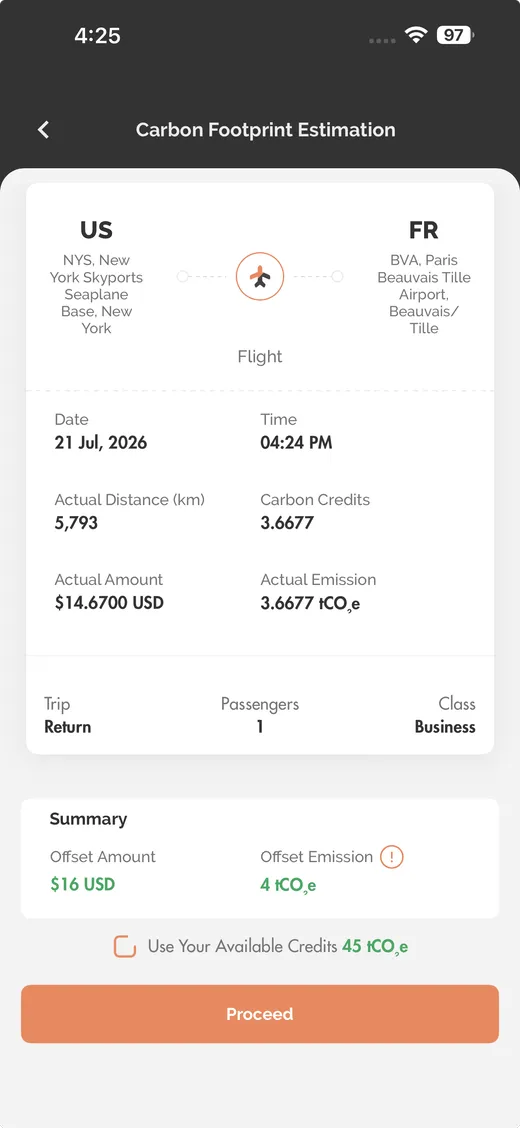
Measure · emission detail
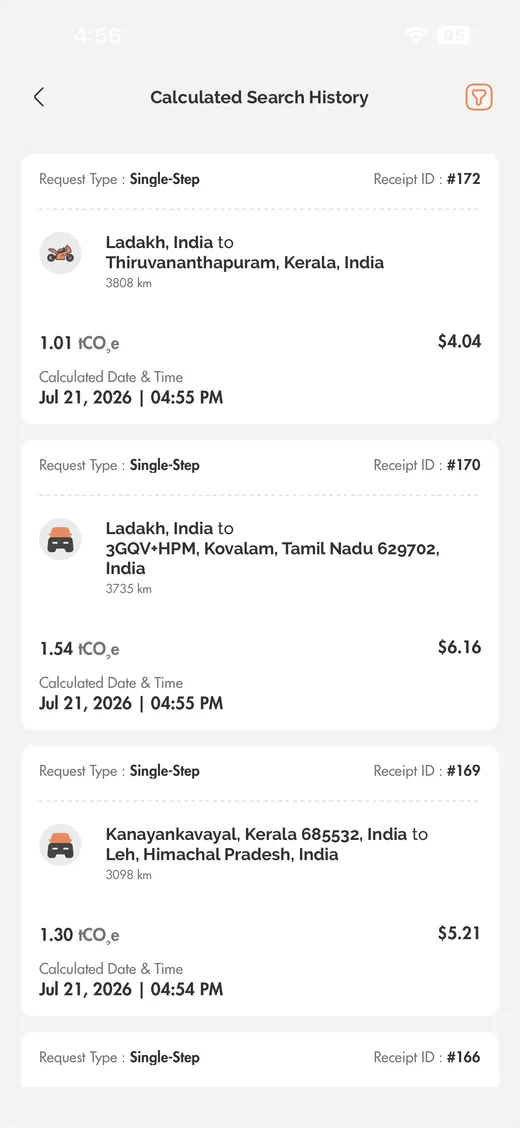
Calculator history
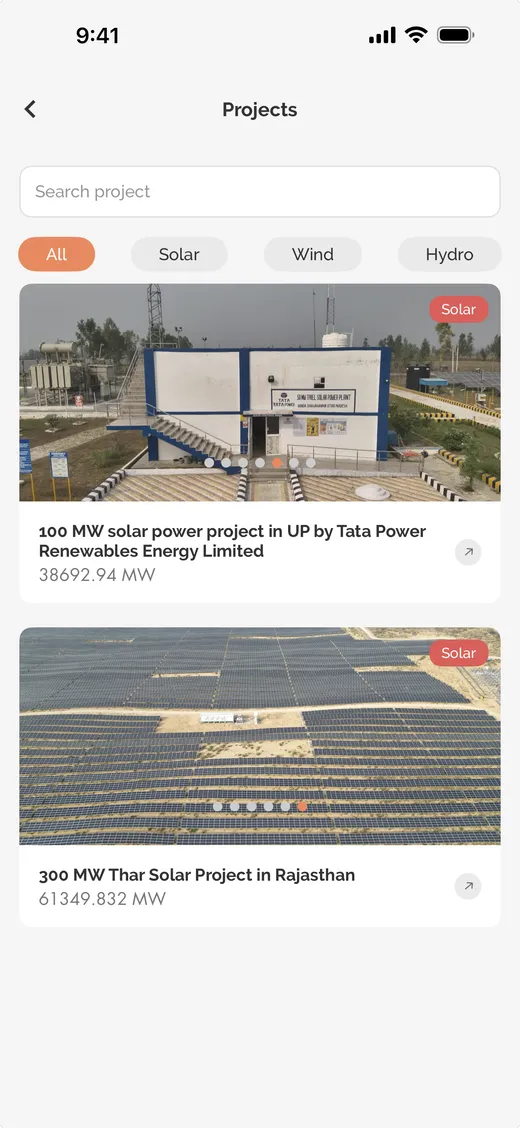
Browse projects

Offset · the project in full
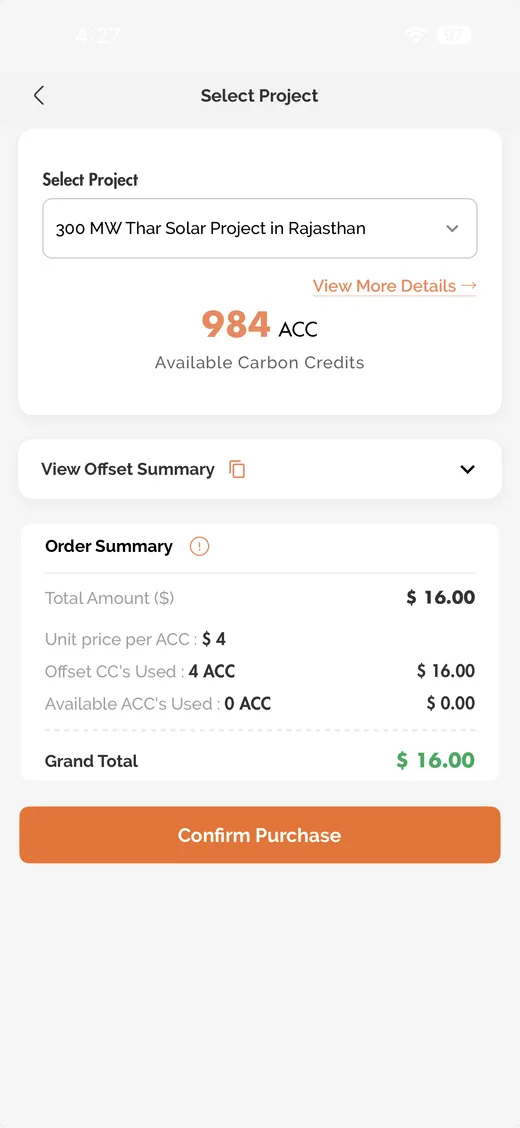
Choose a project

Saved projects
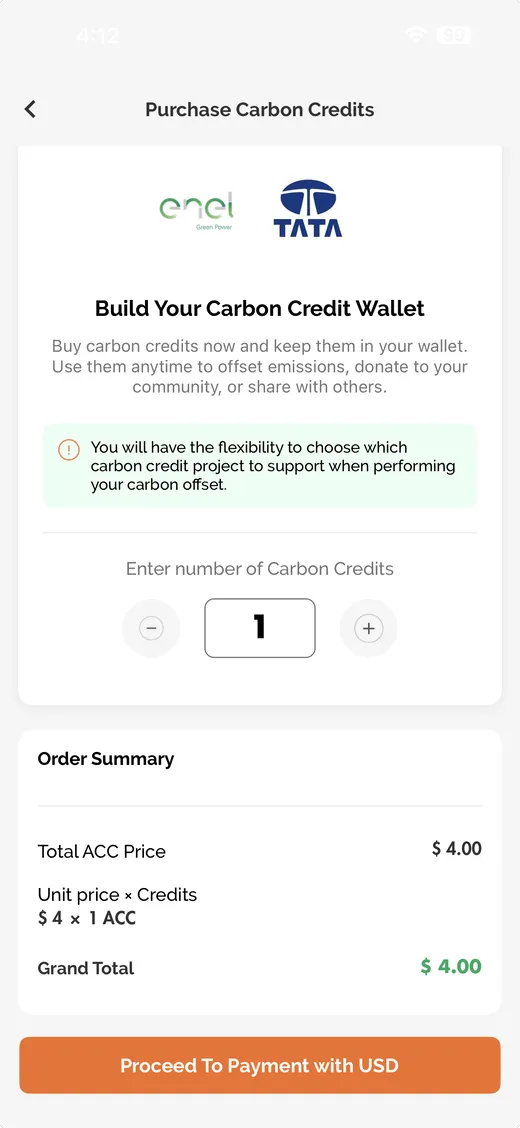
Buy credits
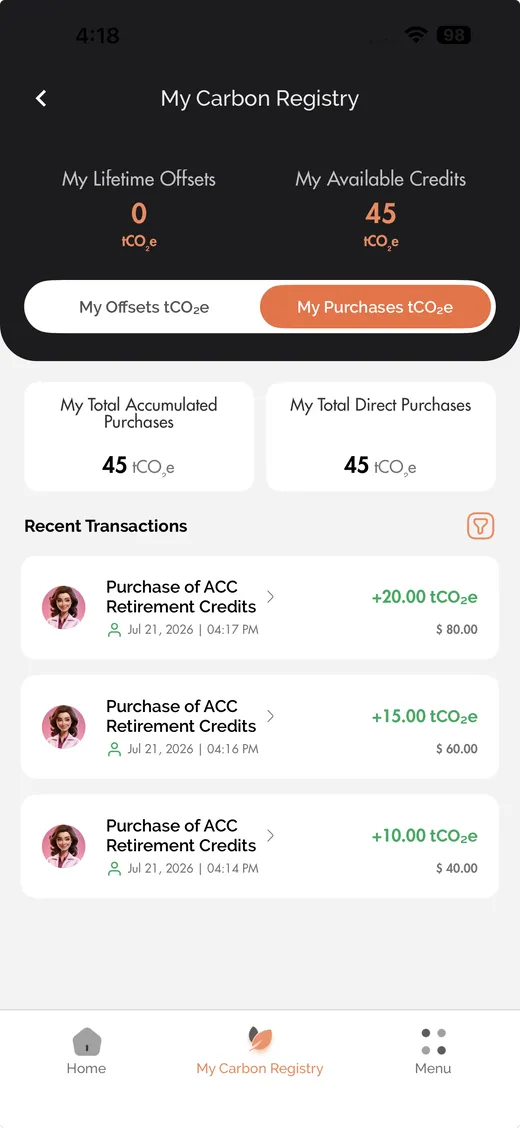
Purchase registry
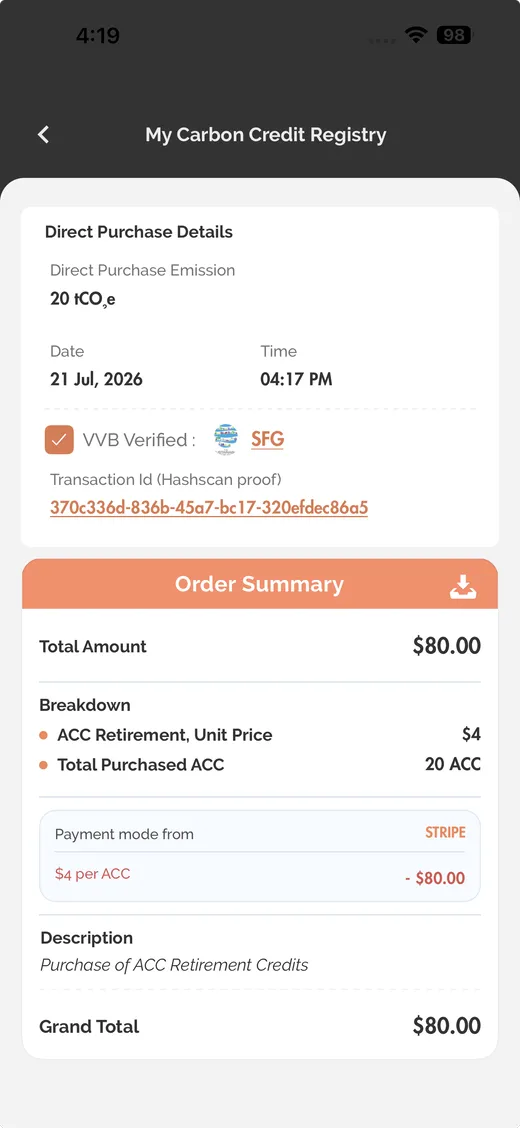
Purchase detail
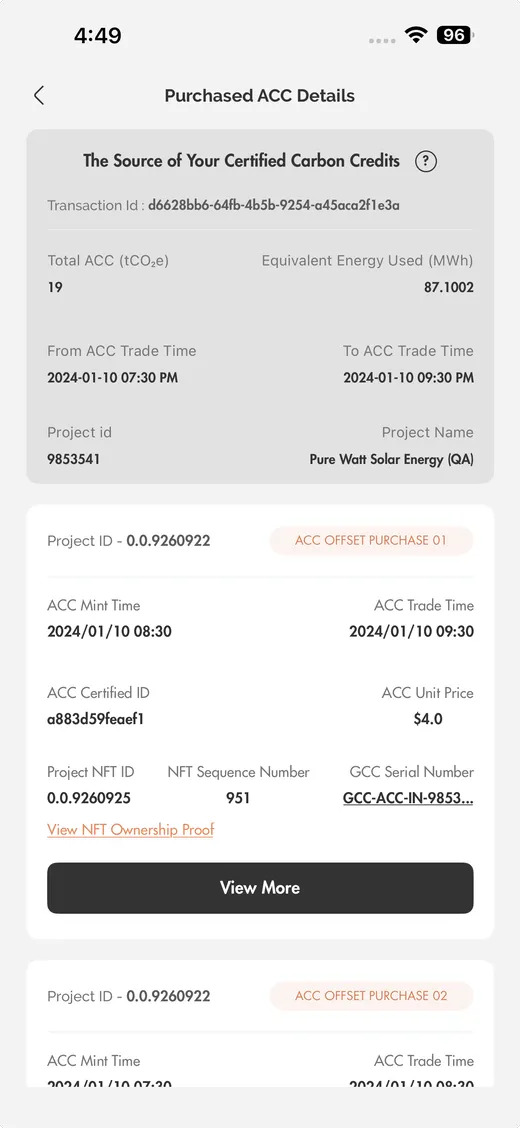
Credit purchase detail
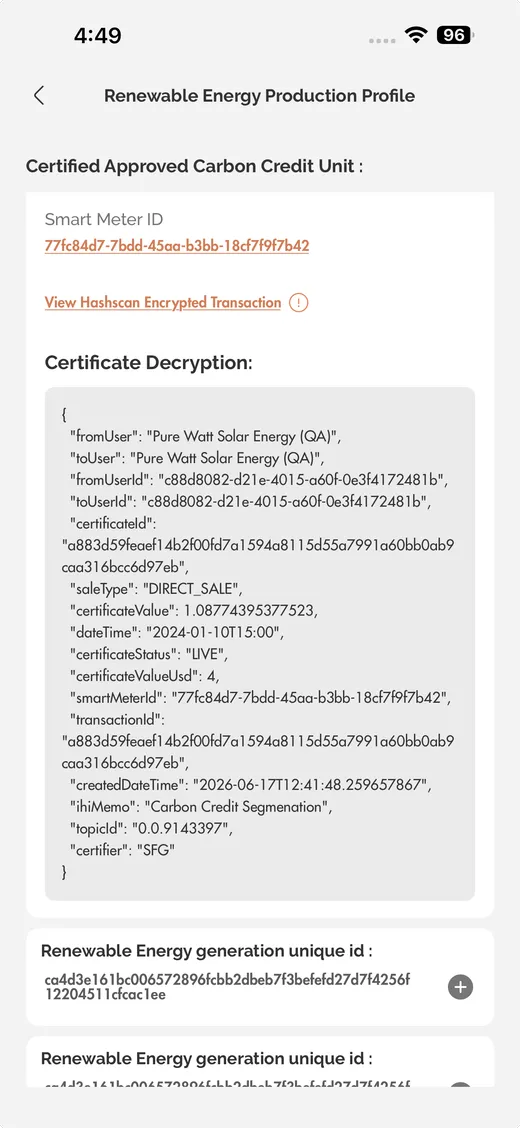
Energy breakdown
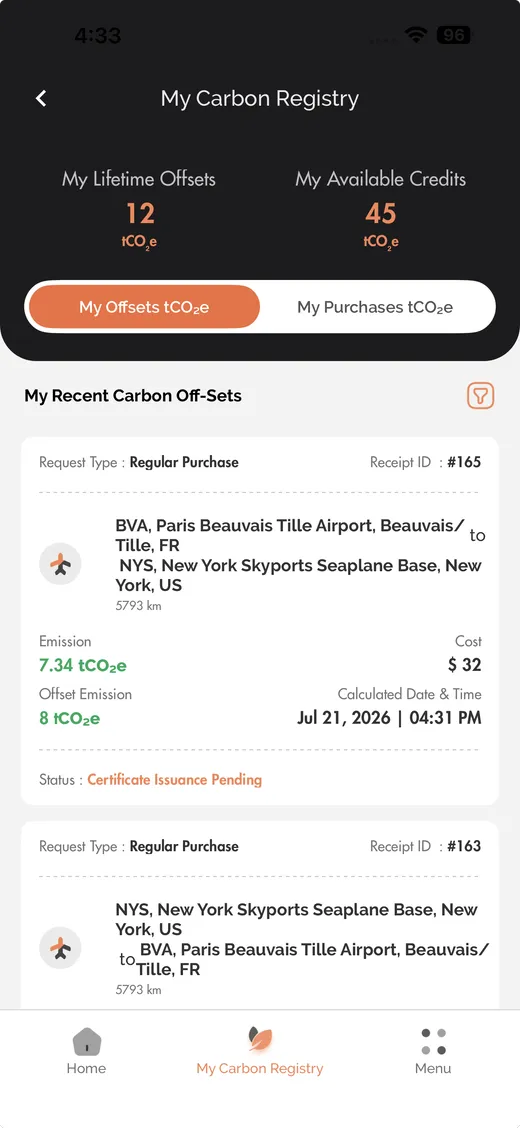
Retire · your carbon registry
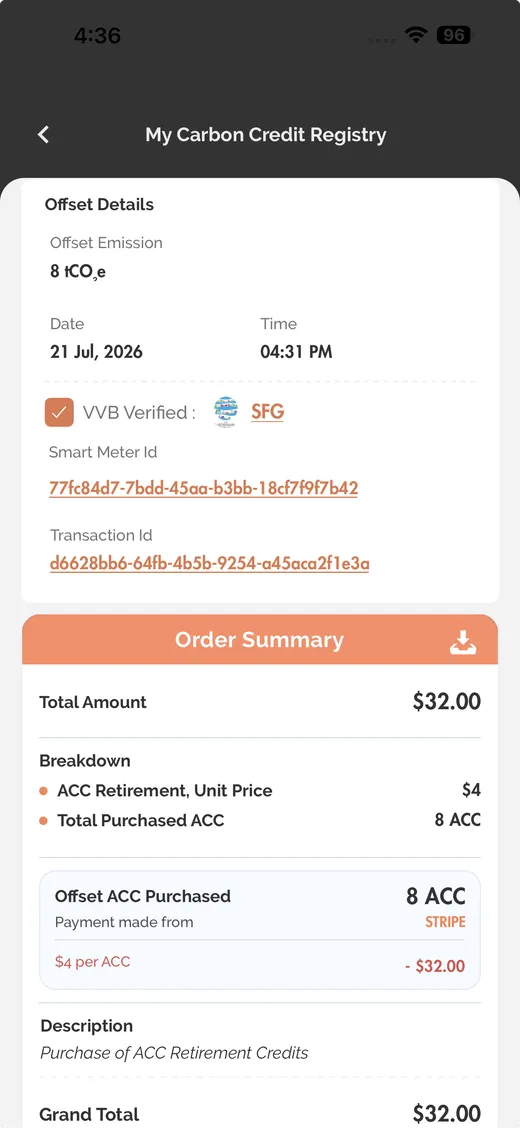
Offset certificate
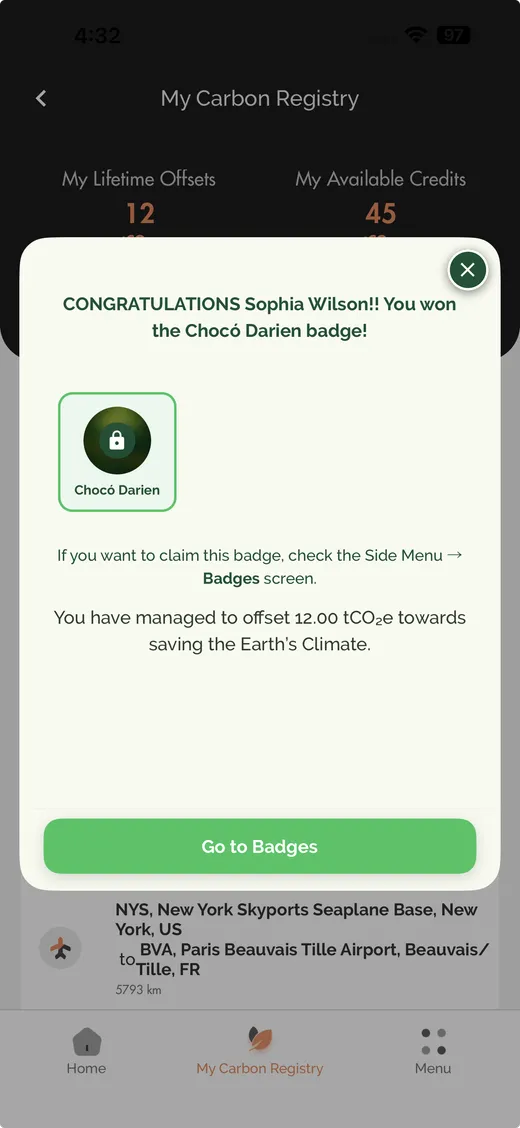
Badge unlocked
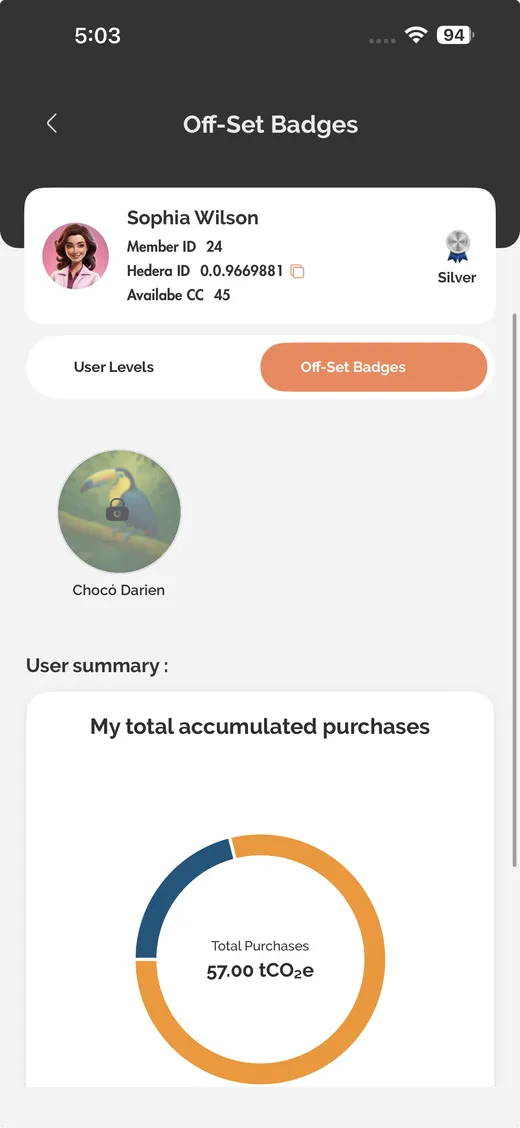
Offset badges
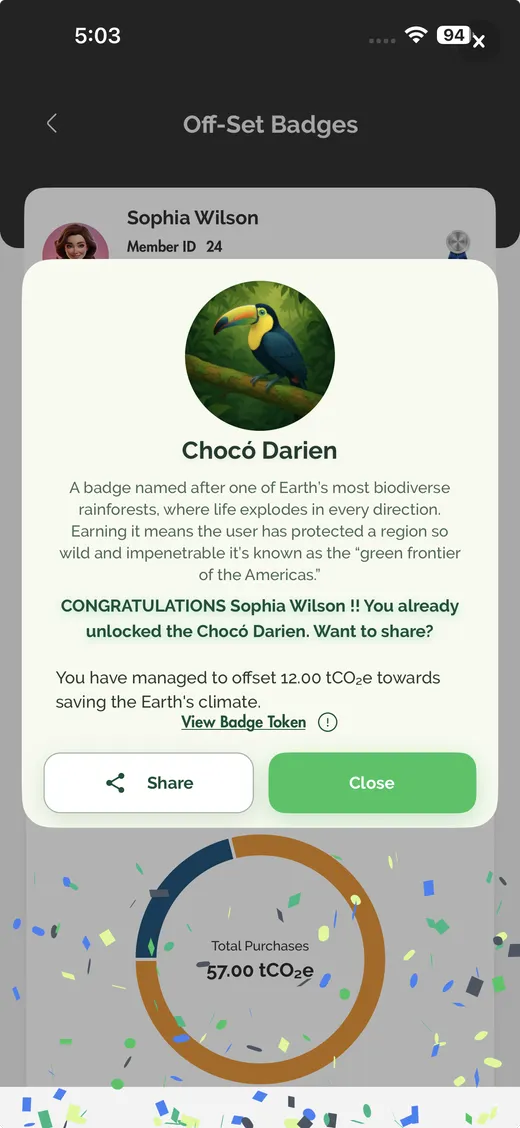
Claim a badge
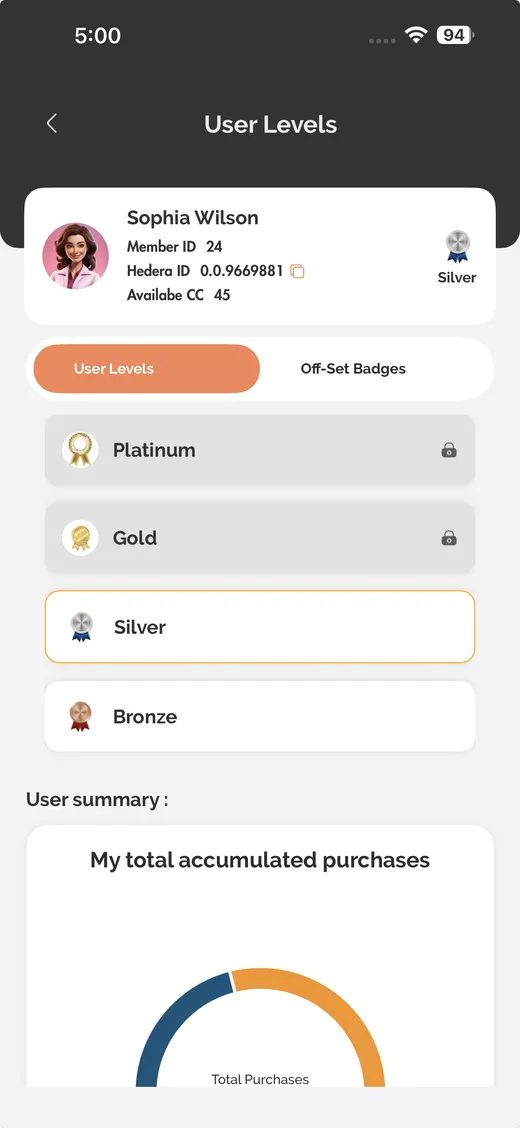
Levels, Bronze to Platinum
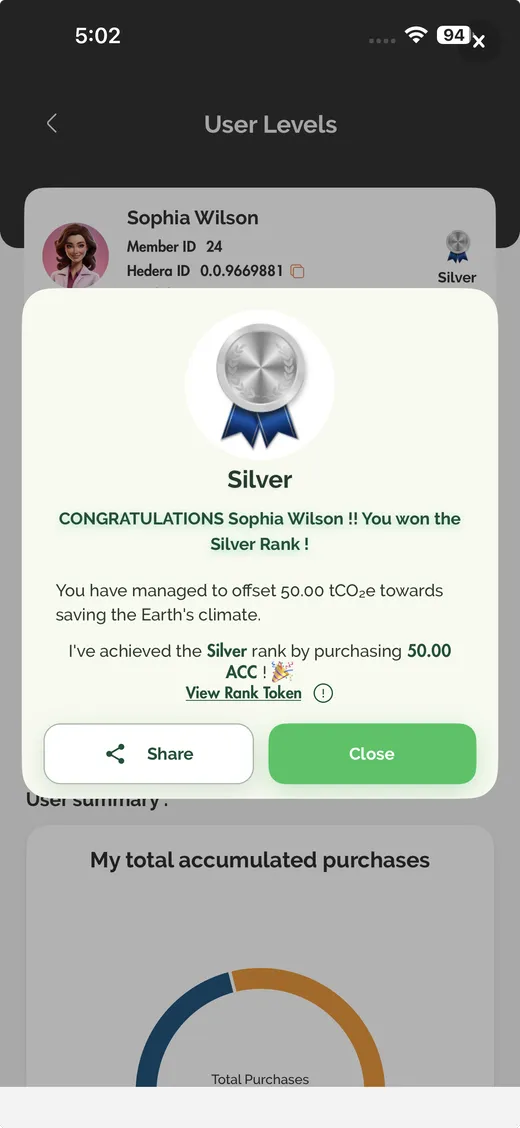
Level detail
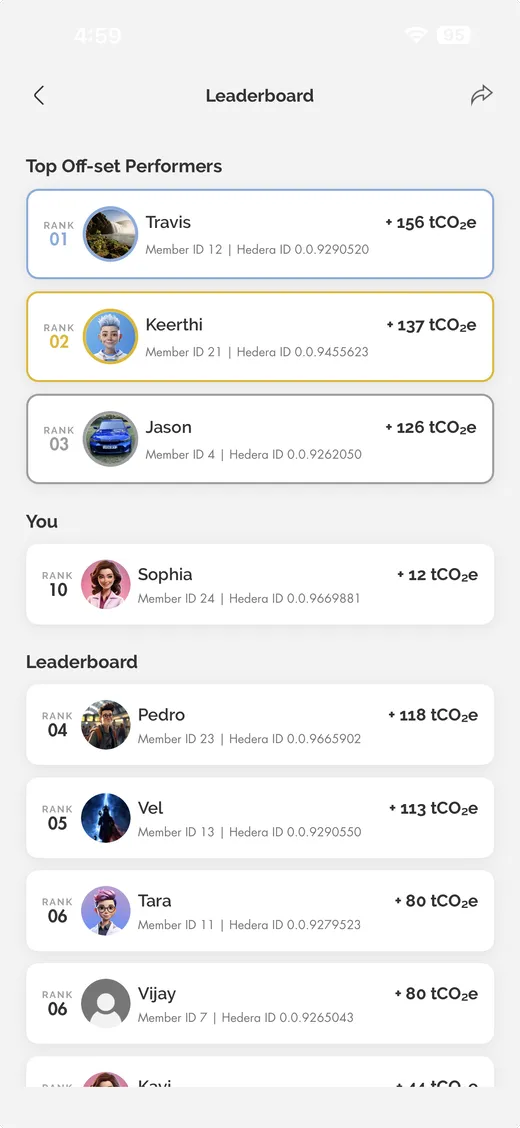
Leaderboard
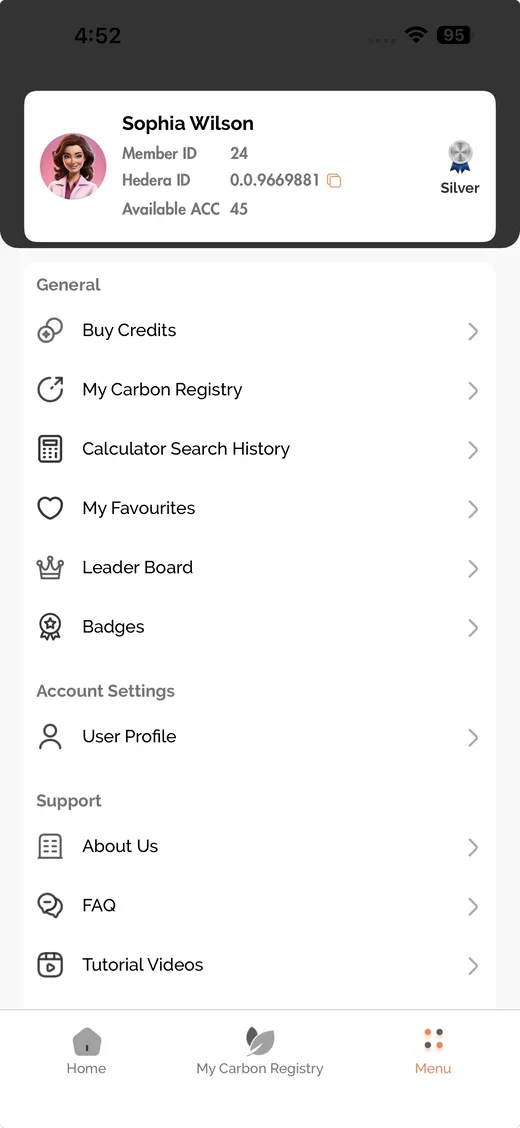
Menu

About IntelliGrid
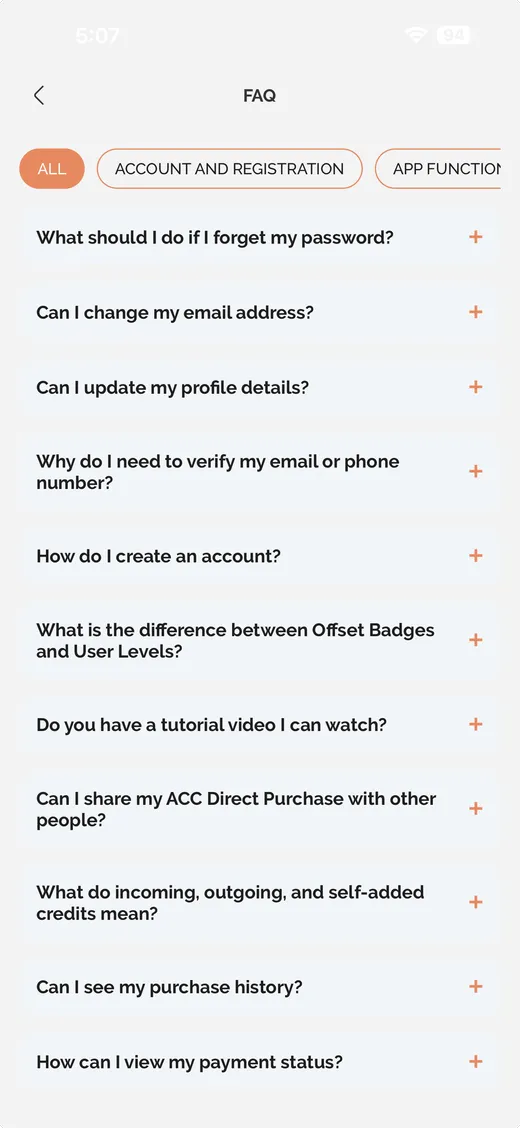
FAQ
Measure any journey
Score any journey against its real distance and get the emission in tCO₂e.
Browse verified projects
Capacity, category, host country and the accredited verifier, before you commit.
Your carbon registry
Every offset and purchase with its receipt, emission and issuance status.
Levels and badges
Bronze through Platinum, with offset badges and a leaderboard to keep it going.
Designed to be simple enough to keep using.
IntelliGrid AI is built to make travel emissions understandable rather than alarming — clear numbers, plain guidance, and a record you can look back on.
Clear, data-driven insight
Every journey returns its emission in tCO₂e with the distance and factors behind it, so the number always has a reason attached.
Seven ways to travel
Flight, car, motorbike, taxi, bus, rail and ferry — each with its own emission factor, all reported in tCO₂e, so trips are comparable.
Awareness that builds
Seeing travel patterns over time shows how everyday journeys add up.
- Price
- Free
- Category
- Lifestyle
- Requires
- iOS 16.0+
- Version
- 1.11.0
Published by Guard Global Ltd · figures above are for the iOS build, as published on the App Store.
Find out what your travel actually costs.
Enter a journey and IntelliGrid scores it against the real distance travelled. You get the emission in tCO₂e, the cost to offset it, and the projects that can absorb it.
- Flight
- Car
- Motorbike
- Taxi
- Bus
- Rail
- Ferry
New York → Paris
Return · business · 1 passenger
tCO₂e for the journey
Example only — your result depends on the journey you enter.

Start with your number.
Score a journey today, then decide what to do about it. Create an account and your record is kept.